Iframe and SDK
Put the capture inside your product. The iframe reports progress through events; the result still goes only to your server.
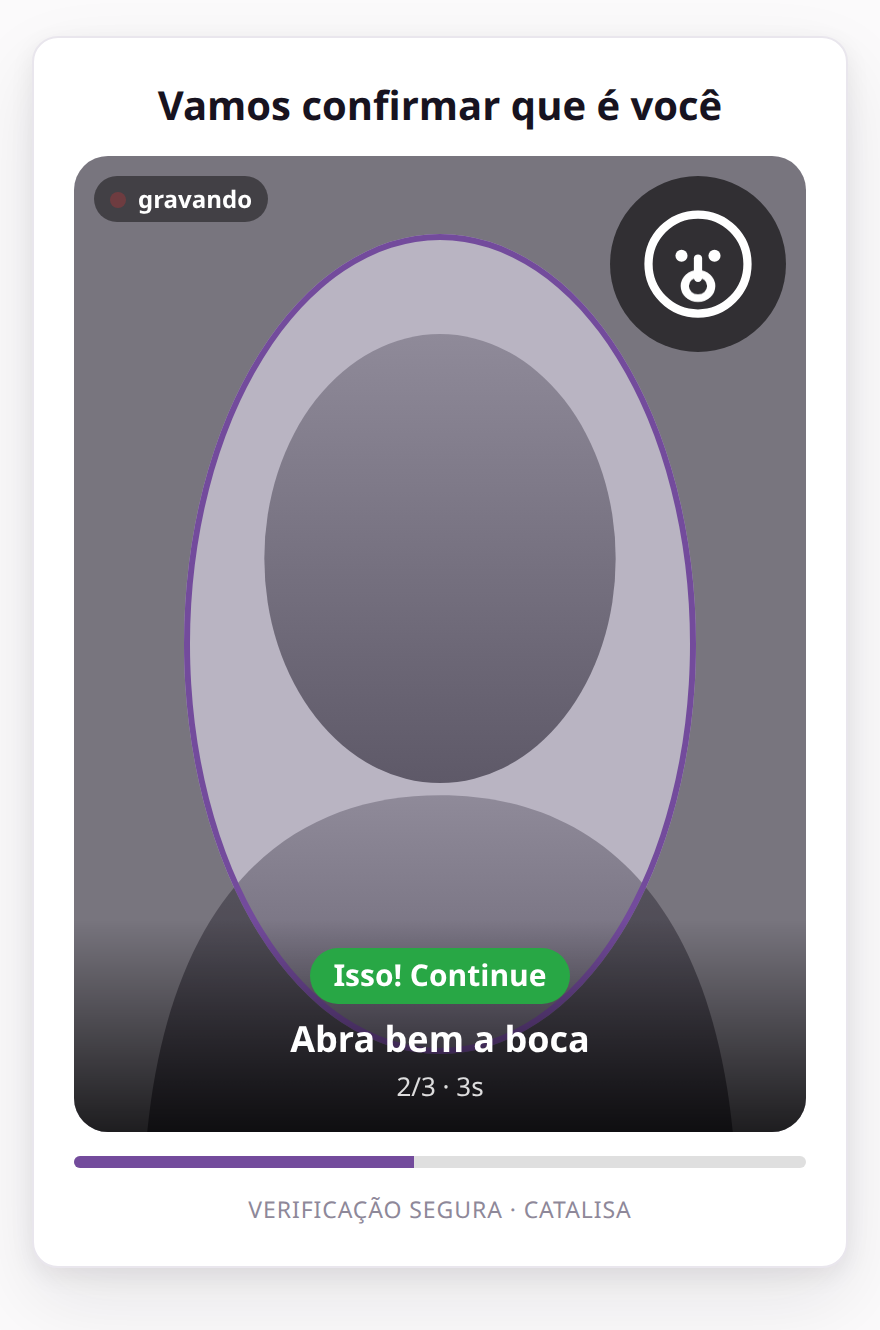
The capture inside your product
Iframe events, in order
readypage loaded
capturingcamera allowed
step:GESTOeach step of the script
submittedvideo sent
retrynew attempt
expiredlink expired
errorcamera denied
doneread the decision on your server
Rules that protect the integration
- Allowed originsOnly the domains you register can embed the page.
- Camera permissionThe iframe needs allow="camera".
- Single-use tokenThe capture link is good for one attempt and then expires.
- Your own SDKYour native app records and uploads the video with the same token.
Iframe inside your product
The capture page inside your app, with progress events. Allow your domain under Branding in the console.
Loading the example…
Modal with the web SDK
A button opens the capture on top of your page, and it closes by itself when done. The result still goes only to your server.
Loading the example…
On mobile
The capture is a web page: in your app it opens in a WebView with camera permission, or in the system browser.
Loading the example…